What players say
Robot Rescue Squad is a well-designed co-op action game that emphasizes teamwork and strategy. Players guide heroes through multiple levels, using blasters and grenades to defeat robotic enemies while rescuing hostages. The controls are easy to learn, and the game runs smoothly on all devices. The family-friendly content and age rating of 7+ make it a safe choice for children. The co-op mode is especially enjoyable, as it requires players to work together to overcome obstacles. Overall, it offers a satisfying and engaging experience for casual gamers.
About this game
Game Introduction
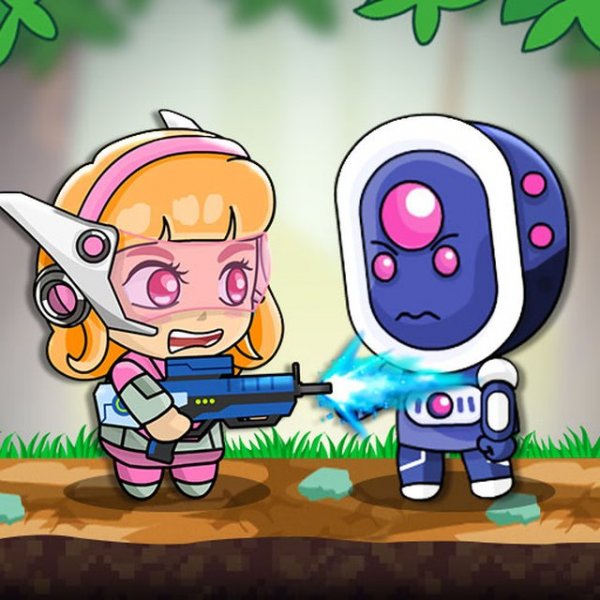
Robot Rescue Squad is an exciting online action game where players take on the role of brave heroes working together to overcome robotic enemies. The game begins with a choice of mode: play alone or with a friend in two-player co-op. Your mission is to guide the heroes through various levels filled with challenges, including enemy robots, obstacles, and hostages to rescue. Each level must be completed to progress, and the action is fast-paced and family-friendly. Developed by TwoPlayerGames in August 2022, this HTML5 game works smoothly on all modern browsers, including mobile devices and tablets. With full-screen support and an age rating of 7+, it is perfect for players of all ages looking for a safe, engaging gaming experience.
How to Play
To start, select your preferred mode: 1 player or 2 players. Player 1 uses the WASD keys for movement, S to shoot, V to throw grenades, and X to reload. Player 2 uses the arrow keys for movement, L to shoot, K to throw grenades, and J to reload. Navigate each level by moving your character, shooting at robotic enemies, and avoiding obstacles placed throughout the environment. Rescue hostages to earn points and advance to the next round. The game progresses level by level, and you must complete each stage to move forward. Stay alert, use your tools wisely, and work together in co-op mode to overcome all challenges.
Game Features
Co-op mode, multiple levels, hostage rescue, and simple keyboard controls. The game offers a variety of environments and enemy types to keep each level fresh. Full-screen support and smooth performance on all devices make it easy to play anywhere. The controls are intuitive, allowing players of all skill levels to jump right in. With an age rating of 7+, the content is suitable for children and families.
Tips for Success
Communication is key in co-op mode—coordinate with your partner to cover more ground and rescue hostages efficiently. Use grenades to clear groups of enemies and obstacles. Keep an eye on your ammo and reload when safe. Practice each level to learn enemy patterns and optimal routes. Playing with a friend can make the game easier and more fun, so invite a buddy for the best experience.